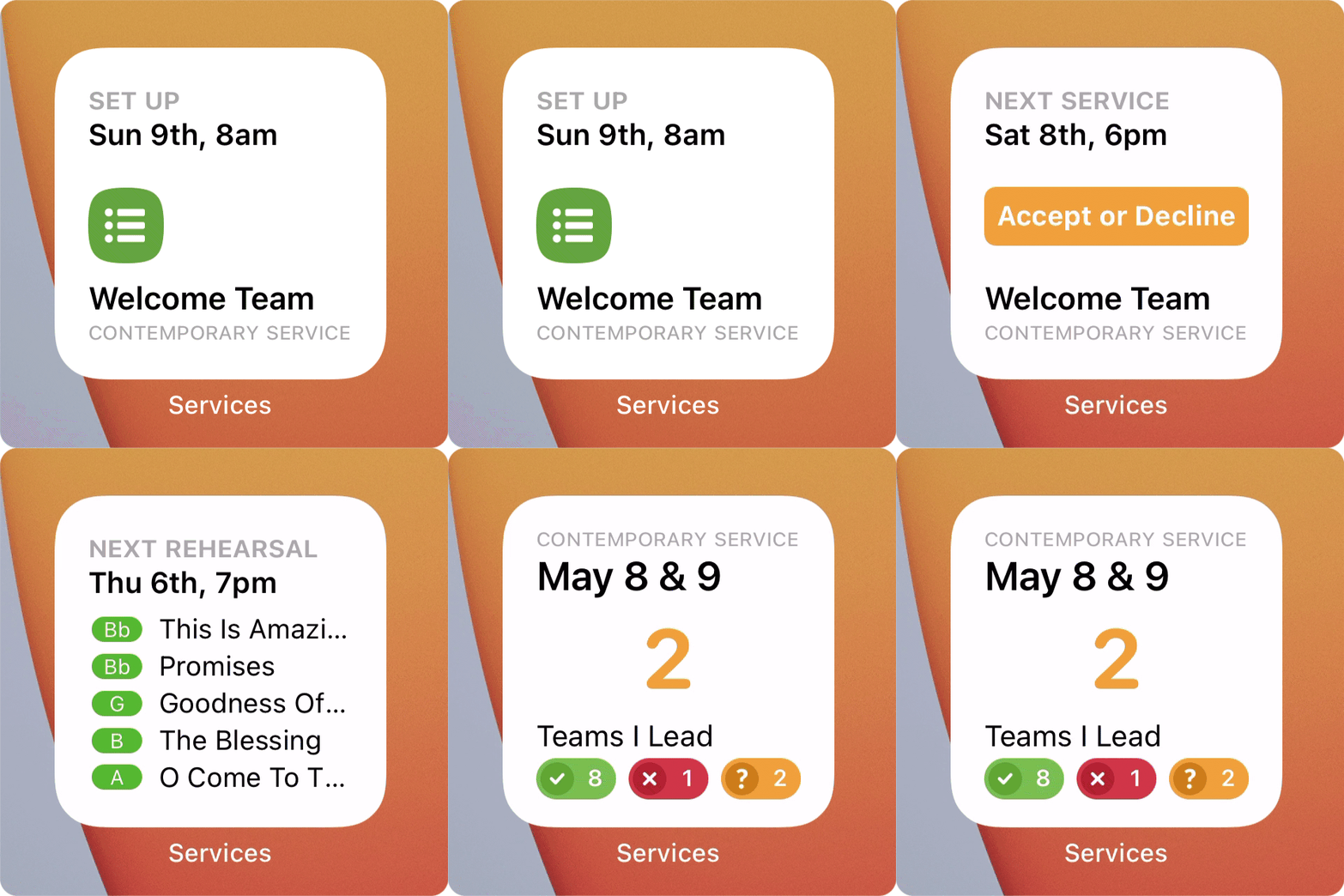
With iOS 14, you can add Services widgets to your Home Screen and get a quick glance of what’s happening next in your schedule and your plans.
Using iOS 14? Well, you’re in for a treat!
This version comes with widgets that will make your screen look sweet!
The first one shows your time that’s next, and lets you hit “Accept”?
The second shows your next plan’s songs, there’s nothing left to guess!
There’s even one for schedulers; team leaders, this means you!
Check out the status of your team, and send a message too!
So pick the widget you prefer, it updates day and night.
We think that once you’ve added one, your future will be bright.
What's New
FOR TEAM MEMBERS
Up Next Widget
- View the details of your upcoming schedule
- Easily confirm pending requests
Rehearse Widget
- See the song list
- Take a shortcut to the Order or Media Player (tap and hold on the small widget to choose)
Other Improvements
- Accept or Decline from the plan itself
- Added a media player button to the order of service toolbar
FOR TEAM LEADERS
Scheduler Widget
- Keep track of the teams you lead
- Send a quick text message to the teams in your next plan
Schedule & Rehearse Widget
- See the song list
- Take a shortcut to the Order or Media Player
- Keep track of the teams you lead
- Send a quick text message to the teams in your next plan